A landing page, already built in 55 pieces.
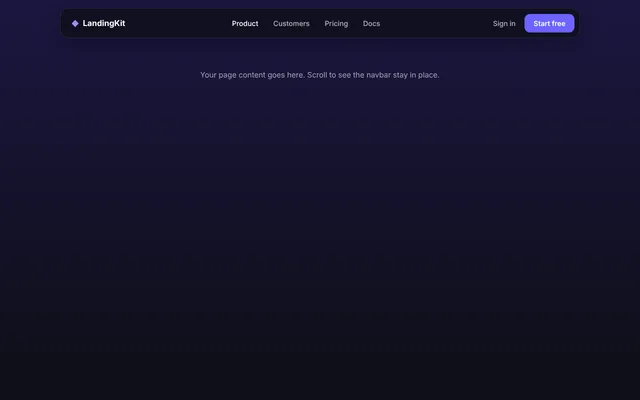
Navbars, heroes, features, pricing, FAQs, forms and footers in plain HTML, CSS and JavaScript. Copy the blocks you need, paste them in order, change two colours.
- 28page sections
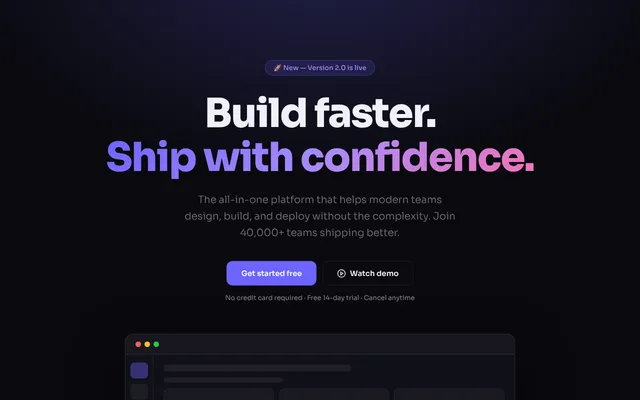
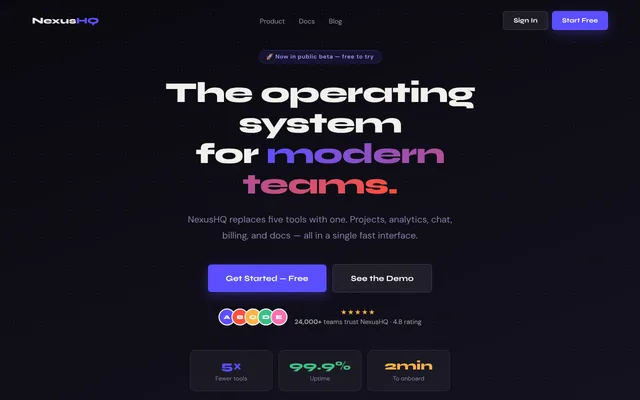
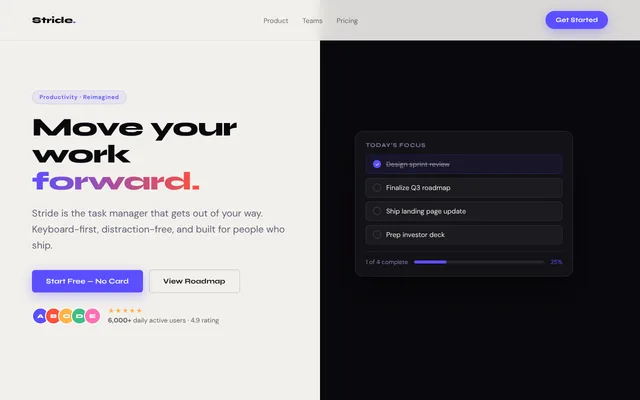
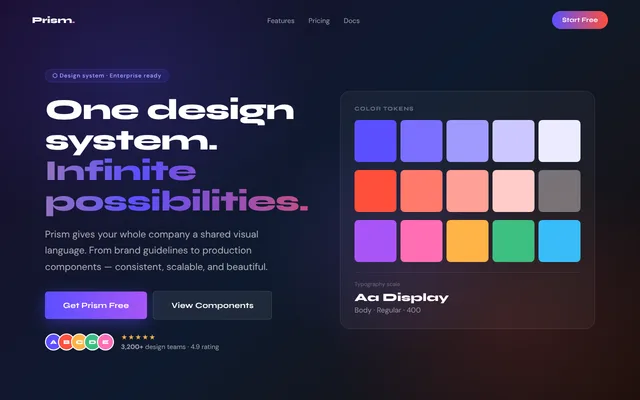
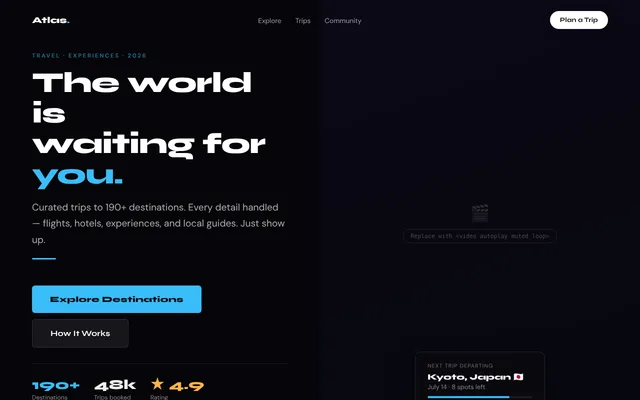
- 15split heroes
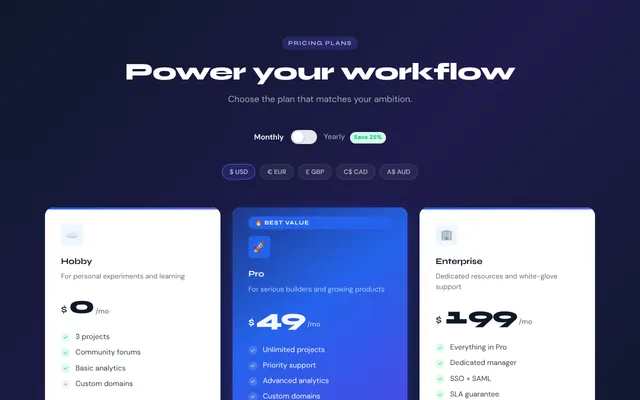
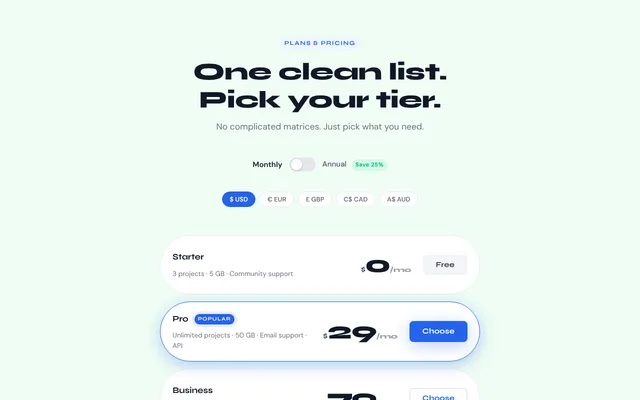
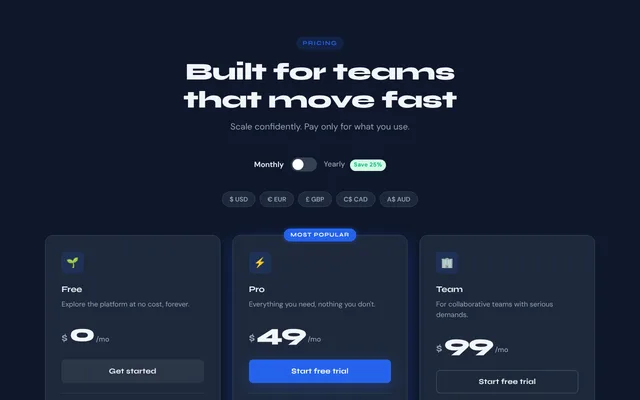
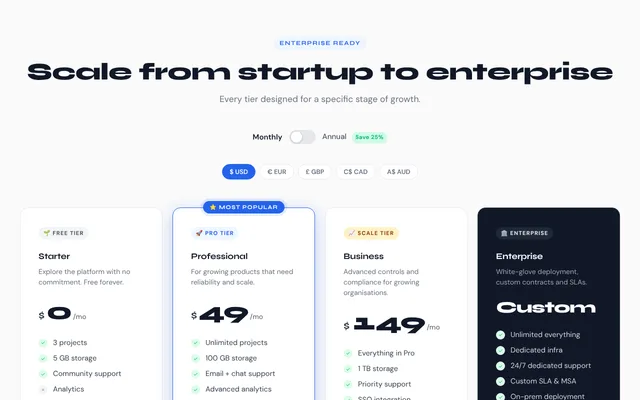
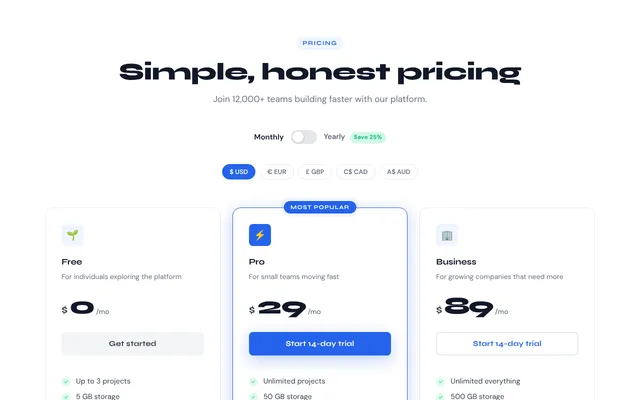
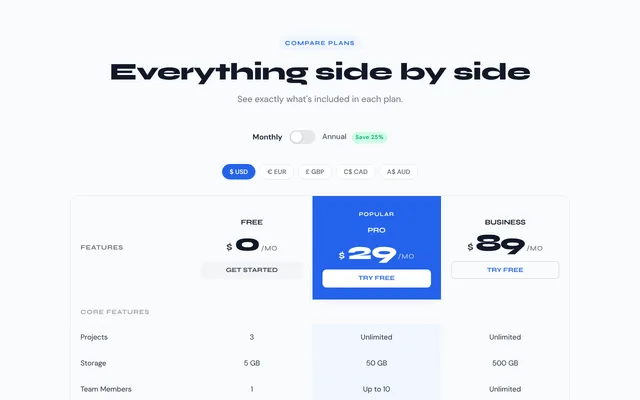
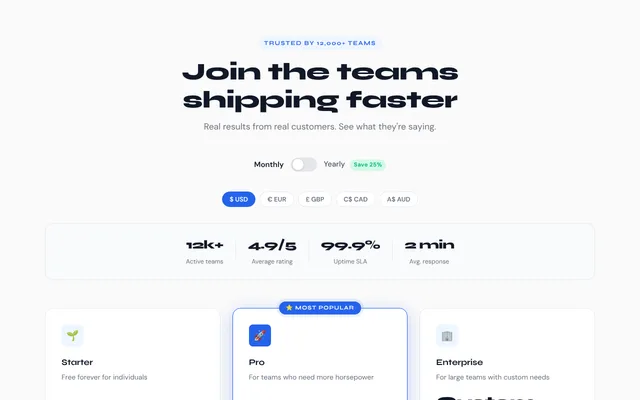
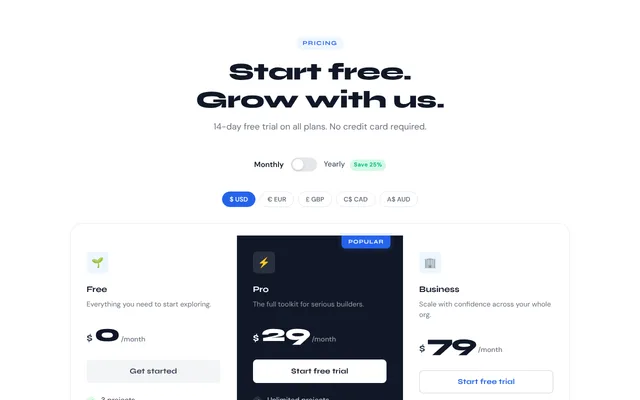
- 12pricing tables
- 3finished pages
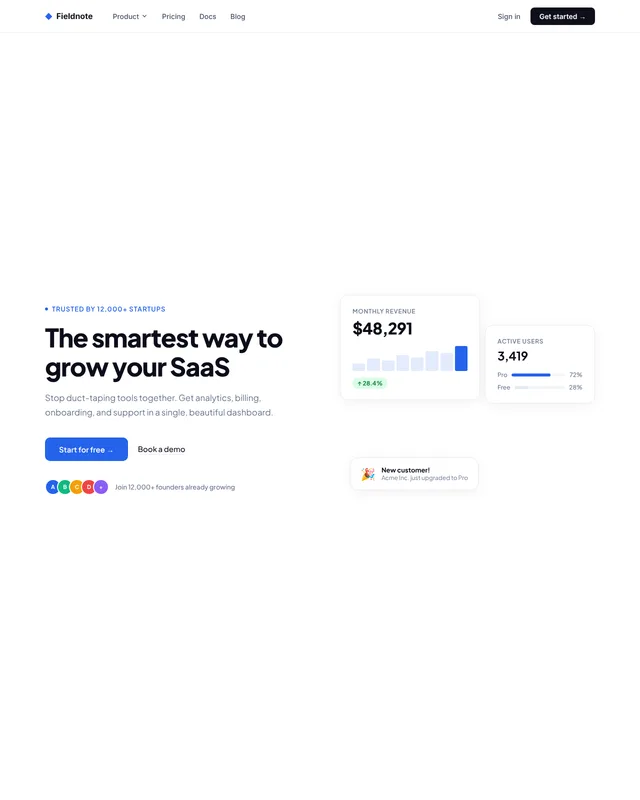
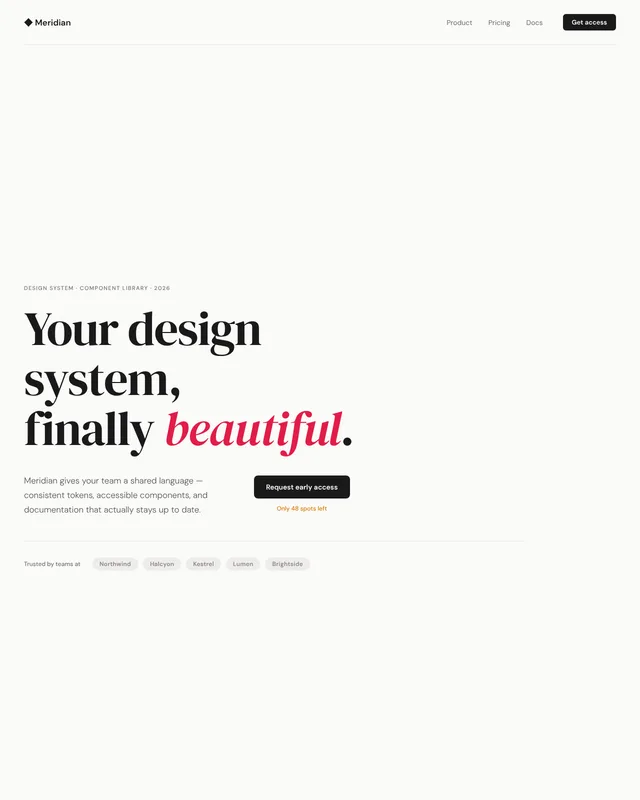
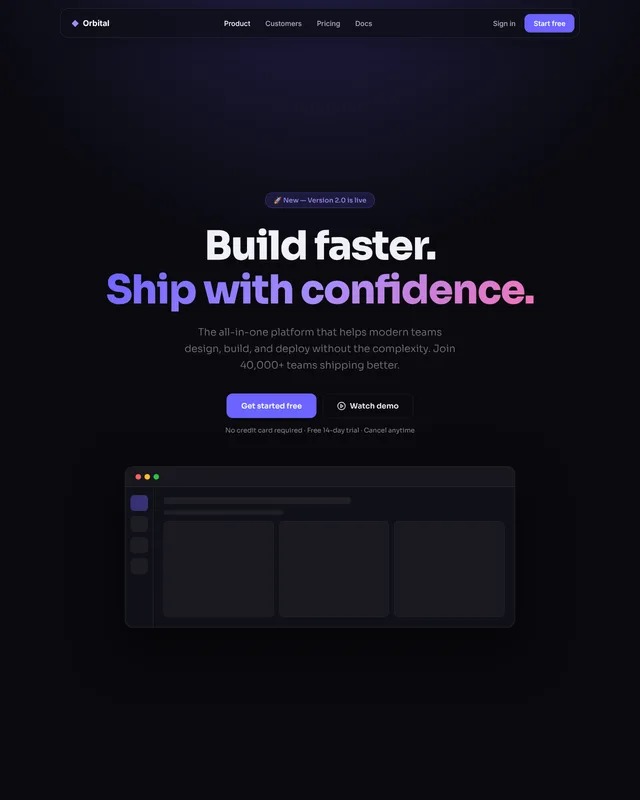
Three pages you can ship today.
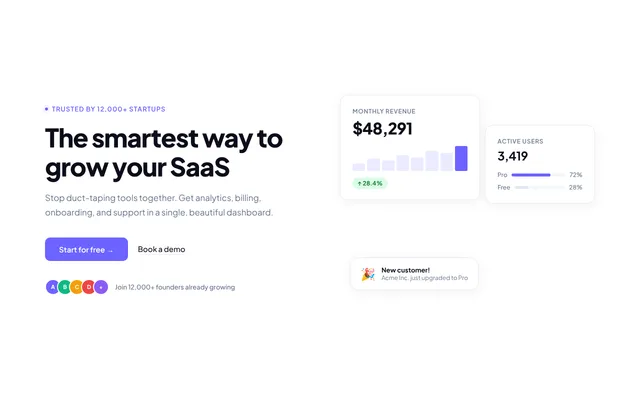
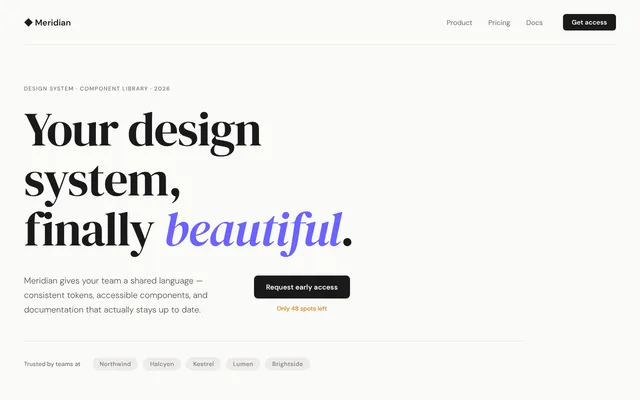
Each one is a single HTML file put together from the sections below, with its own two brand colours. Start from the closest one and swap the words.
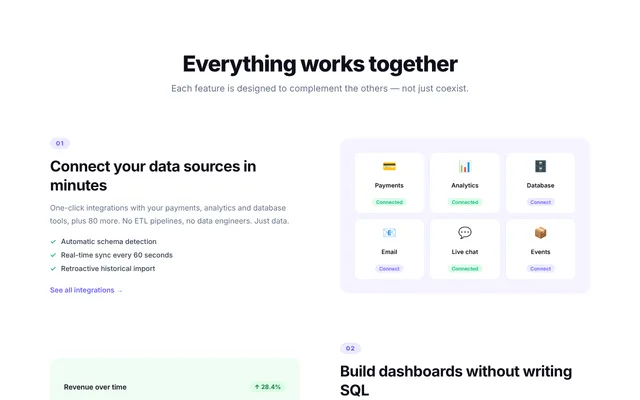
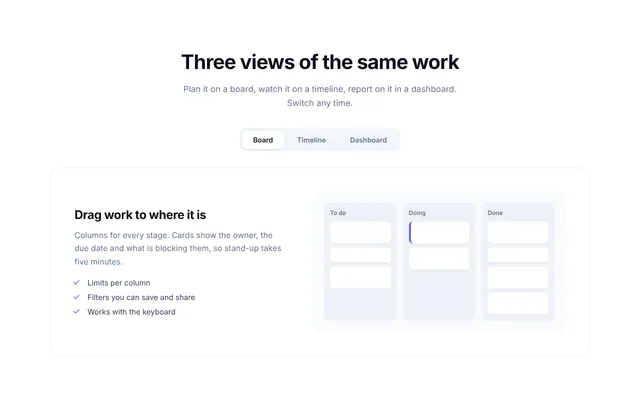
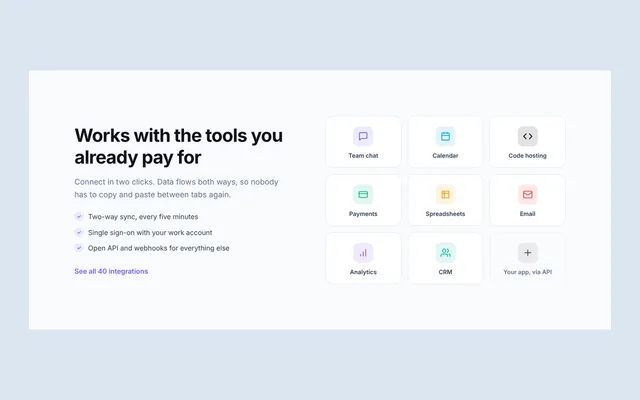
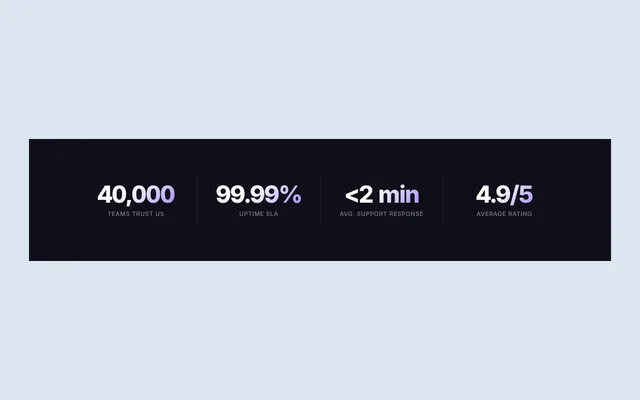
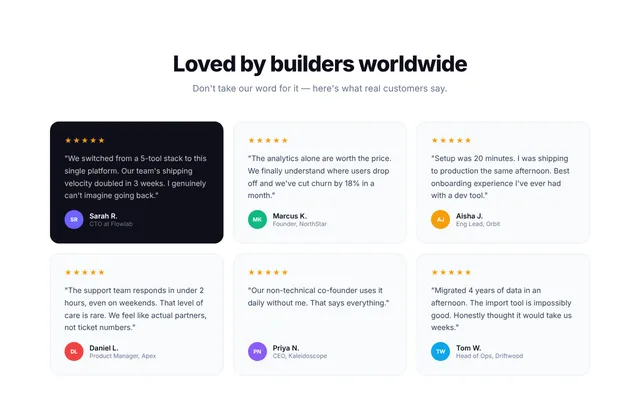
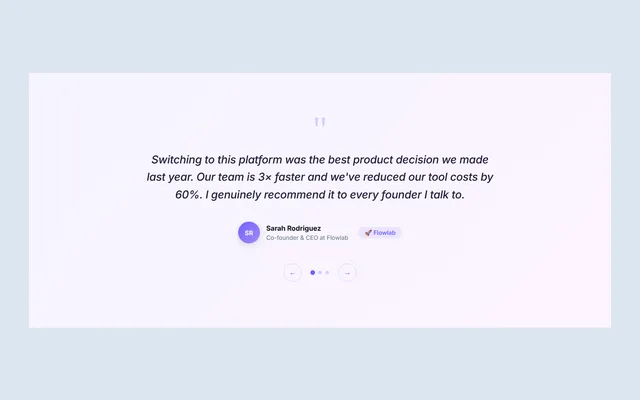
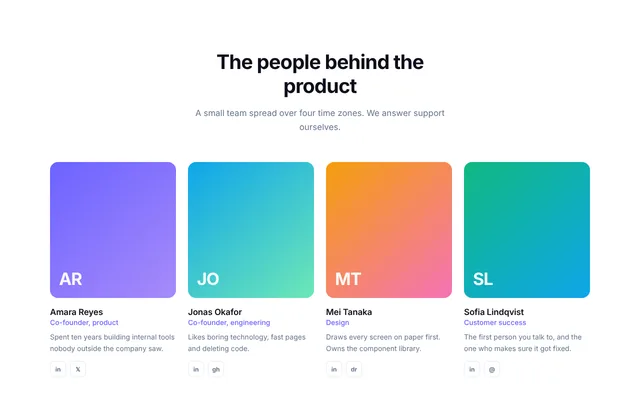
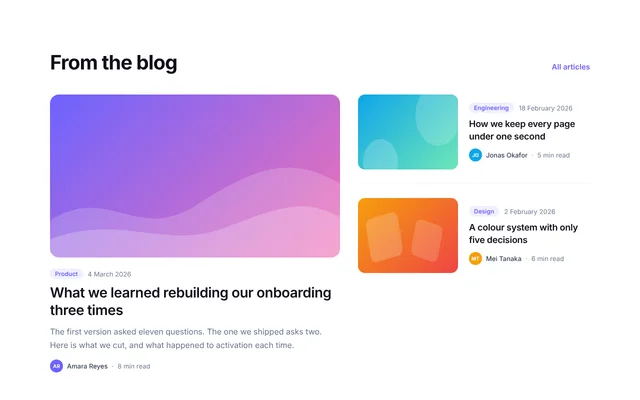
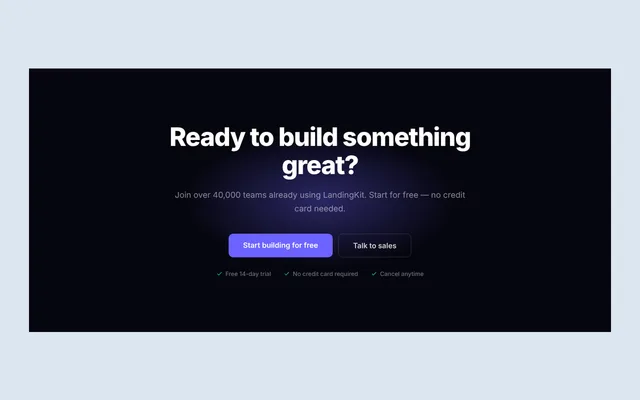
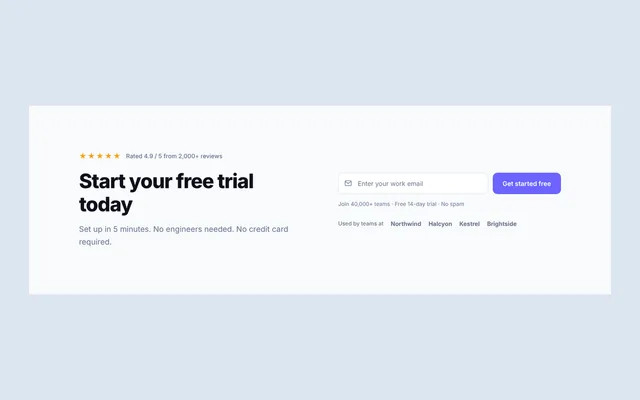
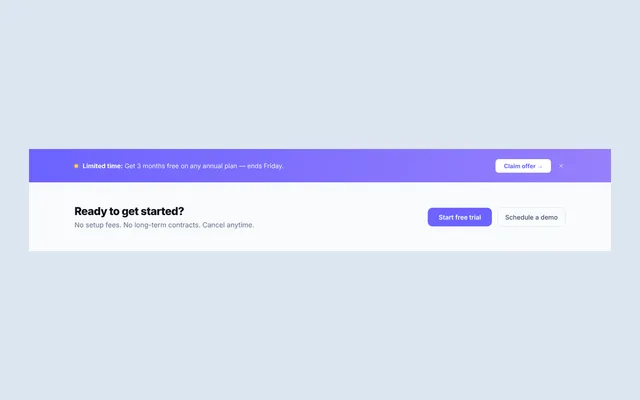
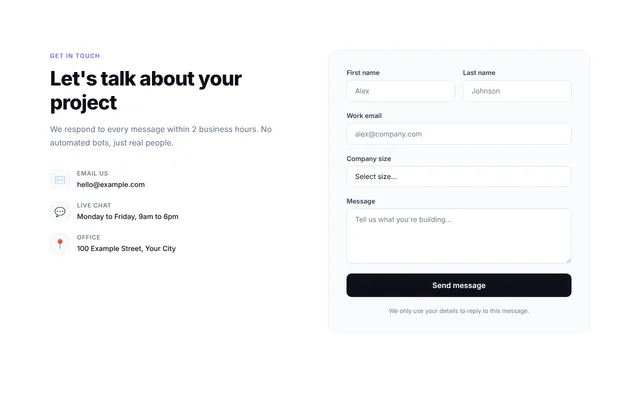
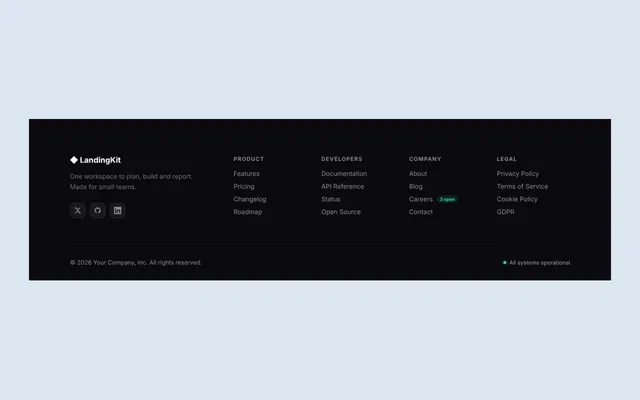
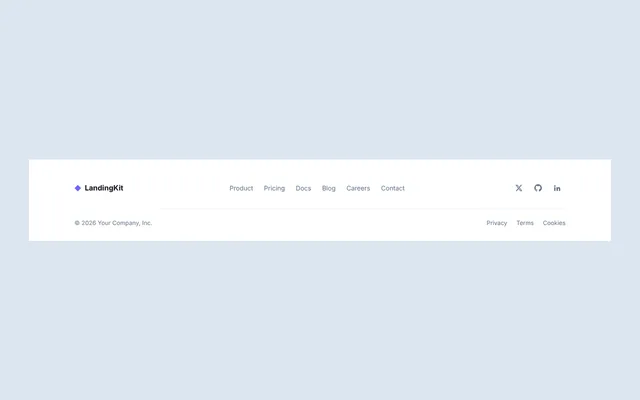
28 sections, one file each.
Every file opens on its own in the browser. The part to copy sits between two clearly marked comments.
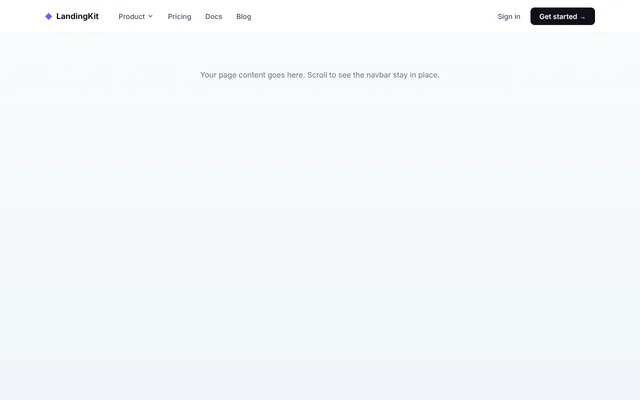
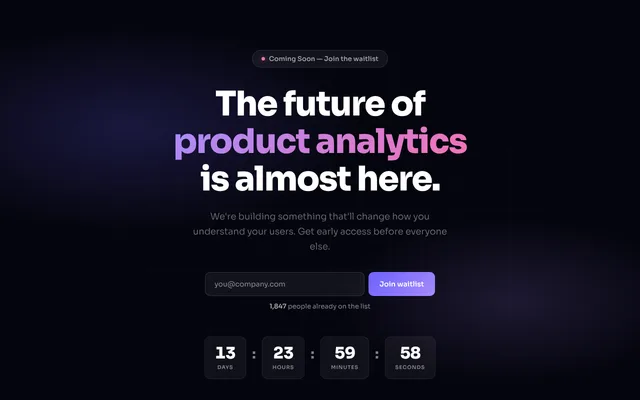
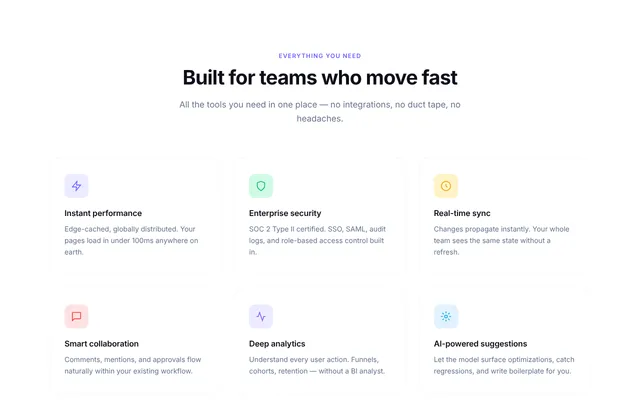
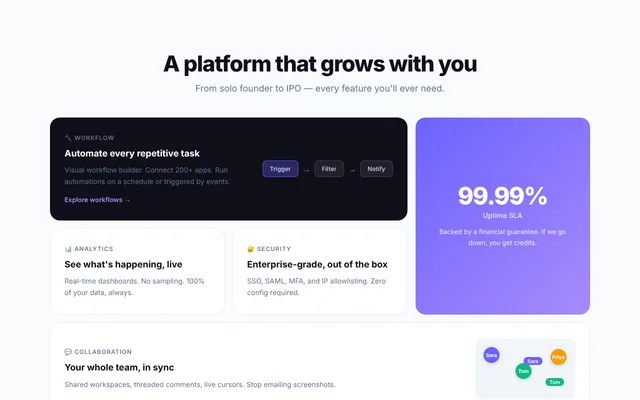
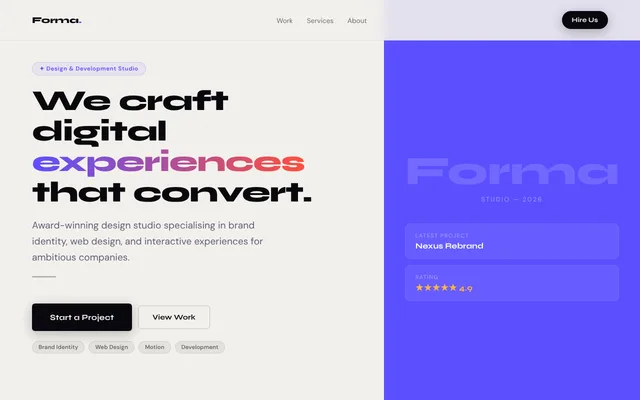
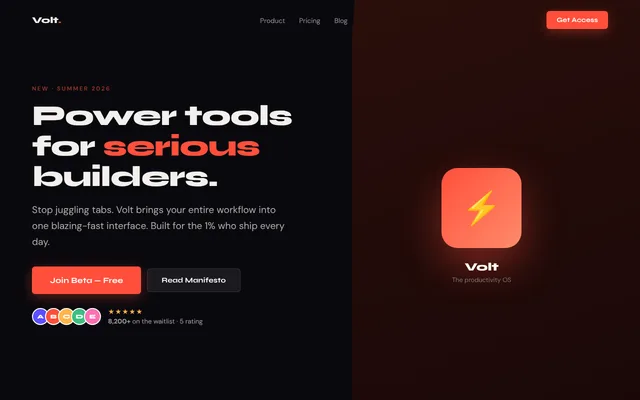
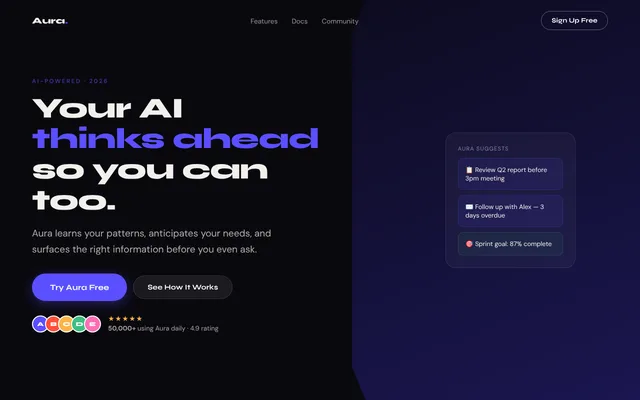
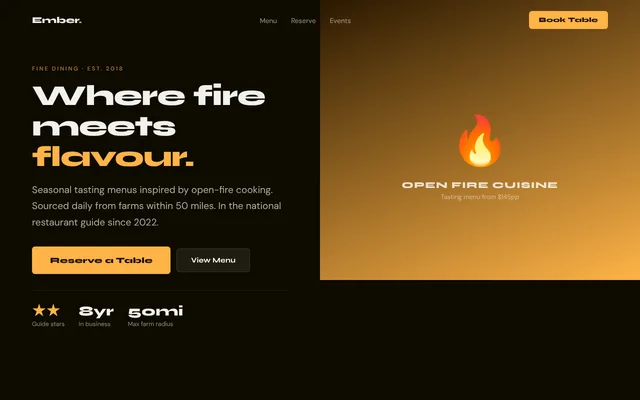
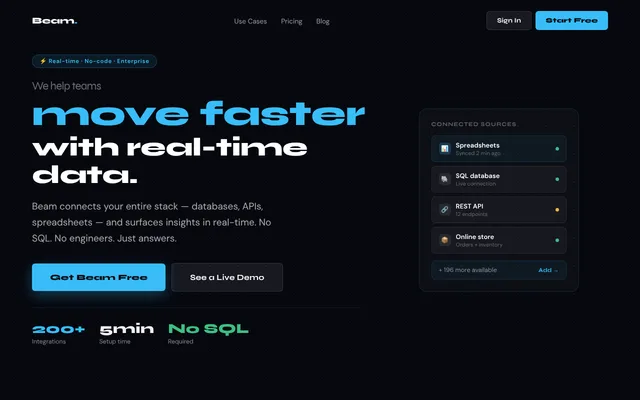
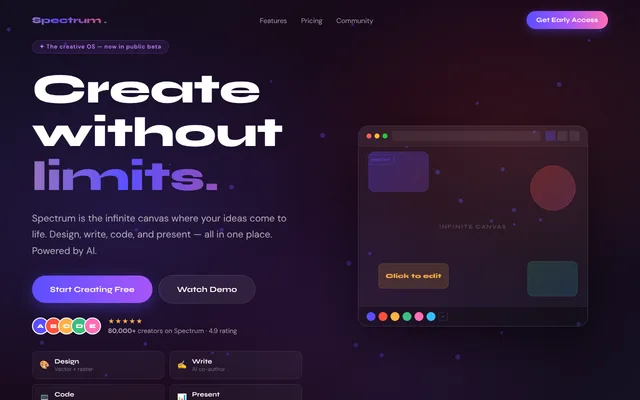
15 split-screen heroes.
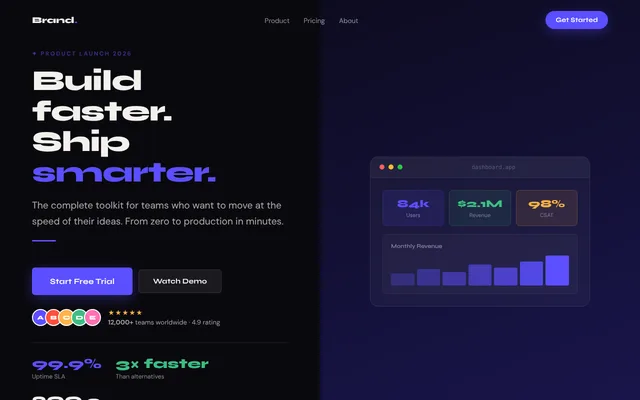
Full-height openers with their own small stylesheet and script: diagonal and curved splits, a 3D tilt card, particles, a typewriter and a word swap.
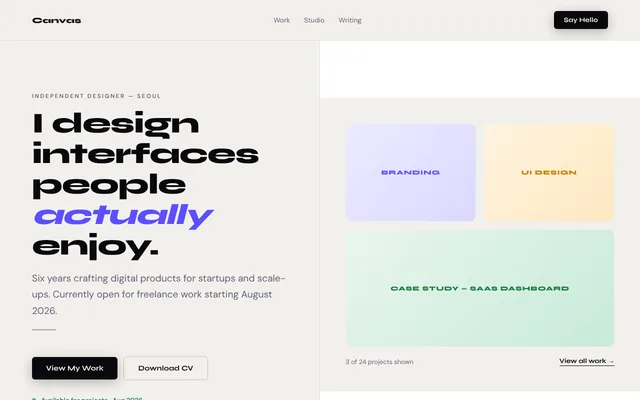
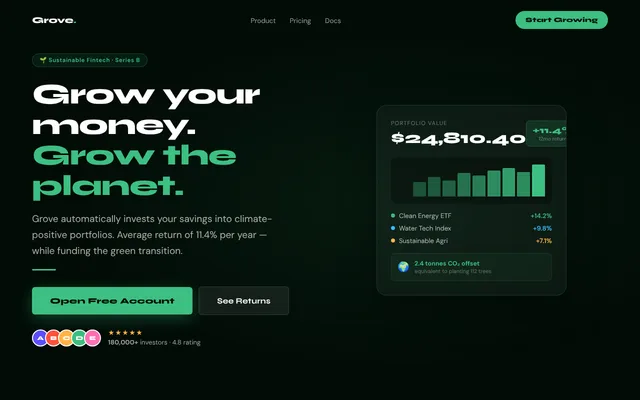
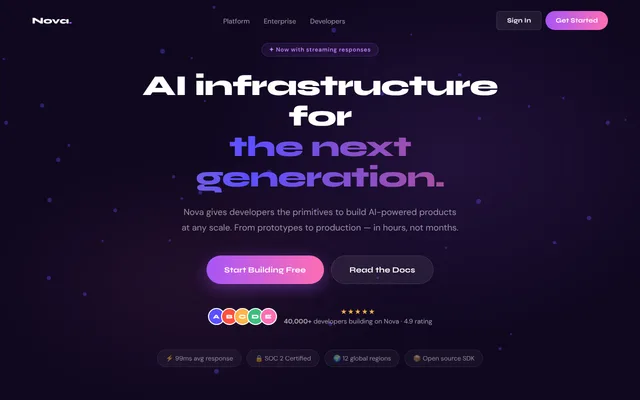
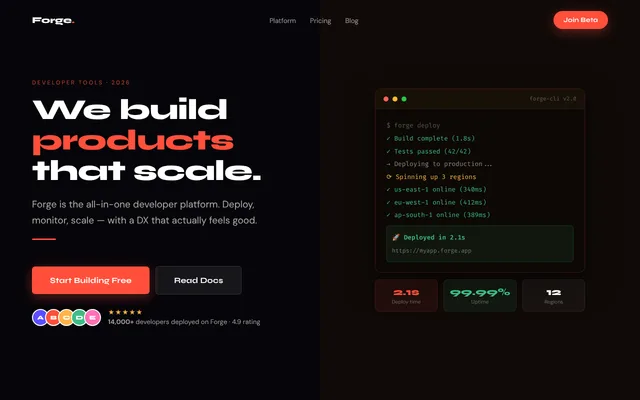
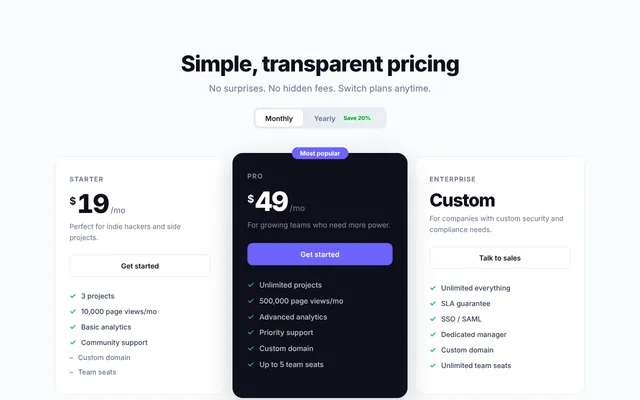
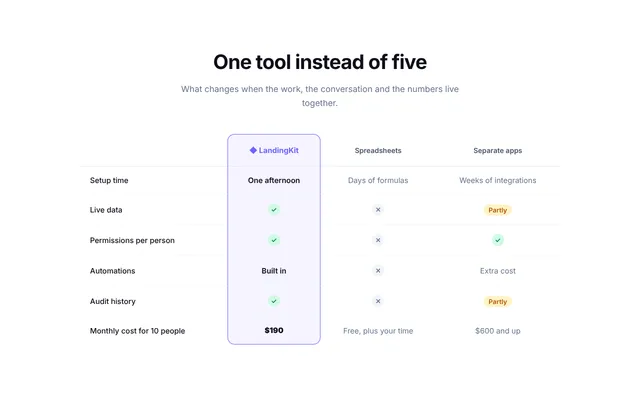
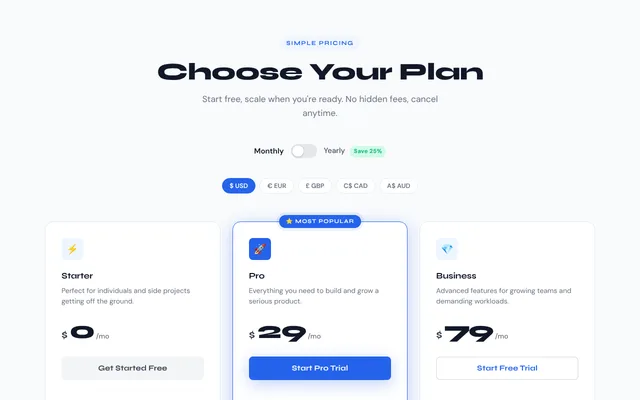
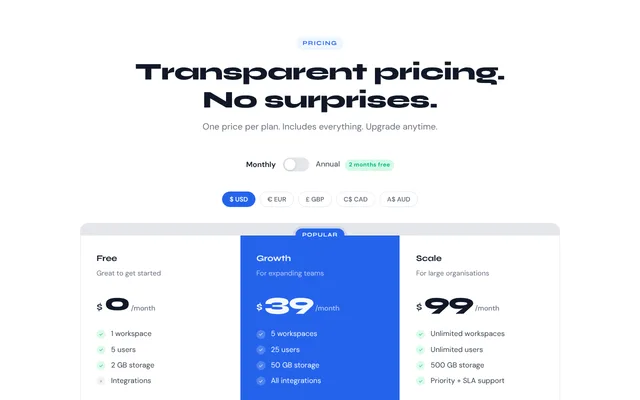
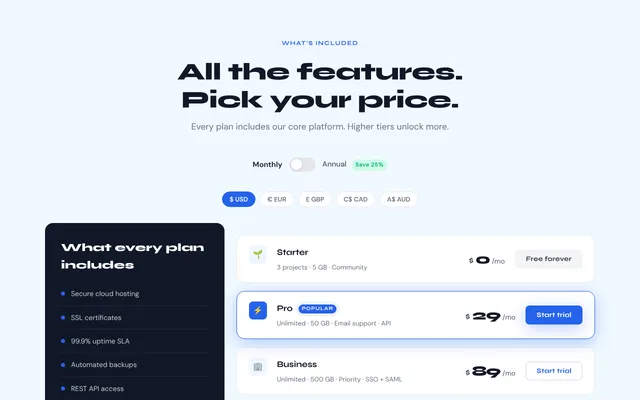
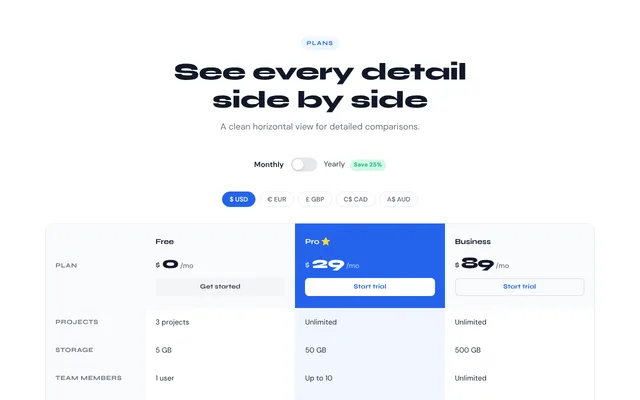
12 pricing tables.
Monthly and yearly switch, a currency switcher with rates you set, comparison tables and an FAQ. One stylesheet and one script for all twelve.
Two variables set the colour.
These are two real sections from the kit. Pick a swatch and watch them follow.
--lk-accent: #6c63ff;
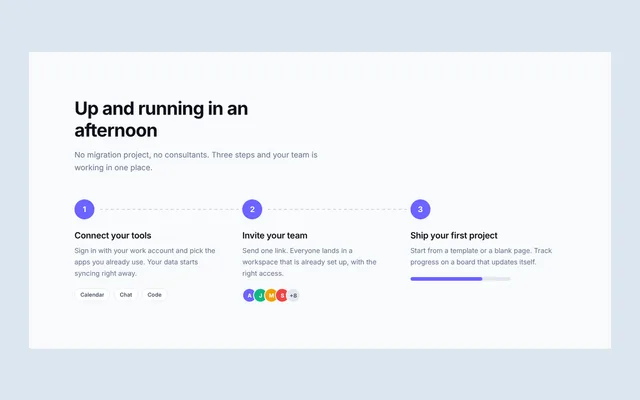
Up and running in an afternoon
No migration project, no consultants. Three steps and your team is working in one place.
-
1
Connect your tools
Sign in with your work account and pick the apps you already use. Your data starts syncing right away.
CalendarChatCode -
2
Invite your team
Send one link. Everyone lands in a workspace that is already set up, with the right access.
-
3
Ship your first project
Start from a template or a blank page. Track progress on a board that updates itself.
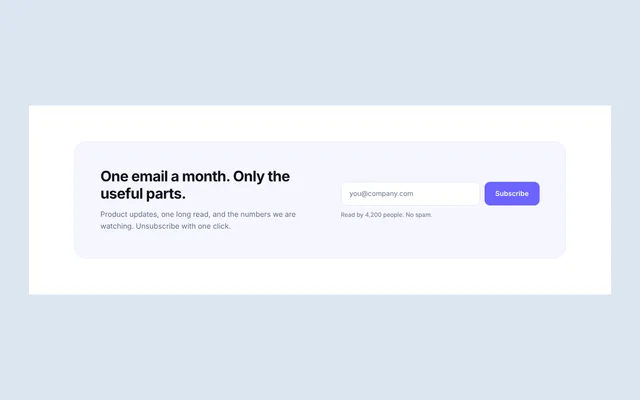
One email a month. Only the useful parts.
Product updates, one long read, and the numbers we are watching. Unsubscribe with one click.
The 28 sections and 3 pages read --lk-accent and --lk-accent-2. The split heroes and pricing tables are separate mini kits with their own variables, listed in the documentation.
From download to live page in three steps.
No Node, no Tailwind, no build. A text editor and a browser are enough.
Start a page
Copy one of the three finished pages, or make an empty HTML file that loads
assets/landingkit.css.Paste sections in order
Open a section file, copy everything between
COPY FROM HEREandCOPY TO HERE, and paste it into your page.Make it yours
Set your two colours, replace the sample words, and point the forms at your own email or form service.
<link rel="stylesheet" href="assets/landingkit.css">
<style>
  :root {
    --lk-accent: #2563eb;   /* your brand colour */
    --lk-accent-2: #60a5fa; /* a lighter partner */
  }
</style>

<!-- paste sections here, top to bottom -->
<!-- navbar-01 -->
<!-- hero-02 -->
<!-- feature-01 -->
<!-- pricing-01 -->
<!-- footer-02 -->
What is already taken care of.
No framework, no build step
Plain HTML, CSS and JavaScript. It drops into a static site, WordPress, Laravel, Rails, Django or any other stack that can serve HTML.
Sections that do not collide
Every section has its own class prefix and its own small script, so you can paste any mix onto one page.
Phone layouts
Every block was checked at 320, 375 and 768 pixels wide. Nothing scrolls sideways, and wide tables scroll inside their own box.
The moving parts work
Mobile menus, tabs, accordion, carousel, counters, countdown, billing switch, currency switch and form checks are written and tested.
Keyboard and screen readers
Real buttons and labels, visible focus rings, aria-expanded on menus and accordions, arrow keys on tabs.
Reduced motion respected
Counters, carousels and entrance effects stand still for visitors who ask their device for less motion.
Forms ready to connect
Sign-up and contact forms validate input and show clear messages. Set the action to your form or email service to go live.
No images to host
Mockups, charts, avatars and logos are drawn with CSS and SVG. Swap in your own screenshots where you want them.
Documentation included
An HTML guide covers colours, fonts, forms, each script and every variable, with copy-ready examples.
A straight note about the sample content. Company names, numbers, quotes and people in the blocks are invented placeholders. Replace them with your own real ones before you publish, and leave out any proof you cannot back up.
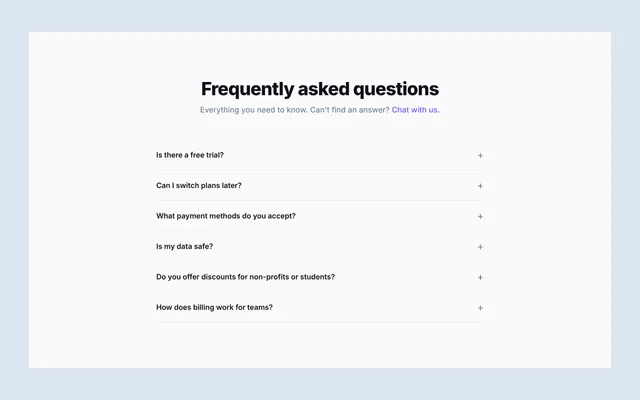
Questions people ask first.
Do I need React, Tailwind or npm?
No. Every block is a normal HTML file with its CSS and JavaScript inside it. If you do use a framework, you can paste the markup into a component and move the CSS wherever you keep styles.
How do I change the colours and fonts?
Set --lk-accent and --lk-accent-2 once and the 28 sections follow. Fonts come from Google Fonts with one link tag. To use another font, change that link and the font-family lines, as shown in the documentation.
Do the forms send email?
Not by themselves. A static page cannot send email, so the forms ship in a demo mode that shows the success message. Point the form action at Formspree, Netlify Forms, Mailchimp, ConvertKit or your own endpoint and remove one attribute. The guide has the steps.
Can I mix sections, split heroes and pricing tables on one page?
Yes. Sections use the lk- prefix, heroes use sh- and pricing tables use pc-, so their styles stay apart. Heroes and pricing tables each need their own stylesheet and script linked.
Are the currency rates live?
No. The currency switcher multiplies your base price by fixed rates that you set in one small settings block. It is for showing prices, not for charging customers.
Can I use this for client work?
Yes. One purchase covers unlimited projects for you and your clients. You may not resell or give away the kit itself. The full terms are in LICENSE.txt.
What is in the download?
28 section files, 15 split hero pages, 12 pricing pages, 3 finished landing pages, this gallery, the HTML documentation, a README, a changelog and the license.
Your next landing page is mostly done.
28 sections, 15 split heroes, 12 pricing tables and 3 finished pages in one download. Pay once, use on every project.